VBOX Motorsport · Comparison Guide

OLED Display vs. Lap Timer vs. Pit Lane Timer

Three different ways to see your data in real time. Here's what each one actually does, how Delta-T and Delta-V work, and which one belongs in your car.

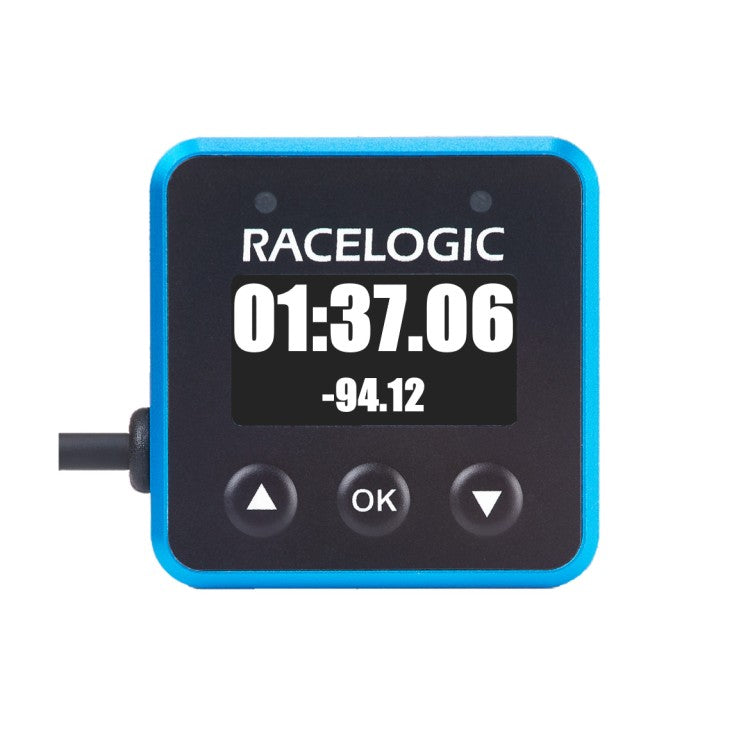
Avoid unnecessary pit lane penalties or lost time with VBOX Pit Lane Timer

If you've spent any time looking at VBOX Motorsport gear, you've probably run into three names that sound like they might do the same thing: the OLED Display, the Lap Timer, and the Pit Lane Timer. They don't. Each one solves a specific problem, and understanding the difference is the fastest way to spend your budget on the right piece of hardware instead of the wrong one.

This guide walks through what each device actually shows you, explains the two terms you'll see on every spec sheet (Delta-T and Delta-V), and breaks down every display mode so you know exactly what you're looking at once it's mounted in your car.

Term 1 of 2

What Is Delta-T?

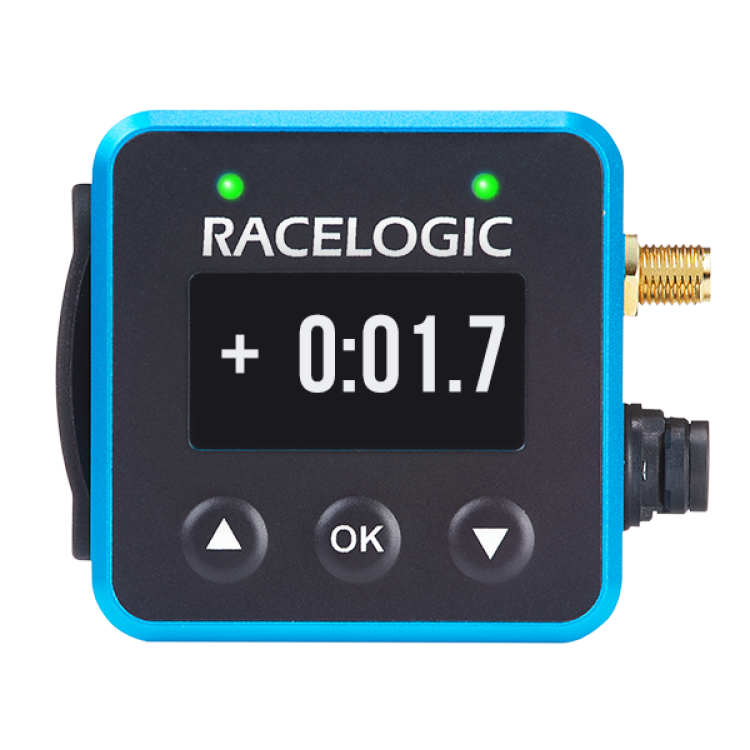
Delta-T is short for "delta time," and it's simply the time difference between your current lap and a reference lap, usually your fastest one, shown continuously as you drive rather than only at the finish line. A positive number means you're behind that reference pace at this exact point on track; a negative number means you're ahead of it.

The part that actually matters is how that comparison gets calculated. Older lap timers measured distance, usually from a wheel speed sensor, to decide where you were on the track relative to the reference lap. The problem is that distance traveled changes lap to lap. Take a slightly different line, get held up behind traffic, or lock a wheel under braking, and a distance-based system starts comparing the wrong points on the track to each other. On a short track that error is small. On a long, complex circuit like the Nurburgring or Spa, it compounds fast.

The Lap Timer and OLED Display both calculate Delta-T from GPS position instead of distance. That means the system is always comparing the same physical point on the racing surface, regardless of the line you took to get there, holding 0.1 second precision around the entire lap. That's what "position-based Delta-T" means when you see it on a spec sheet, and it's the reason these numbers stay trustworthy even when your driving isn't perfectly consistent lap to lap.

The Pit Lane Timer uses the word "delta" too, but for something different: the pit-to-exit delta covered further down. It isn't lap-to-lap Delta-T, and the Pit Lane Timer doesn't do predictive lap timing.

Term 2 of 2

What Is Delta-V?

Delta-V, or "delta velocity," is a different comparison, and one that also lives on the Lap Timer and OLED Display specifically. Instead of telling you how much time you've gained or lost overall, it tells you how your current speed compares to your fastest lap's speed at this exact same point on track, right now, in real time.

This is what the LED strip above the display is actually showing you. Up to six LEDs change color to indicate whether you're currently carrying more or less speed than your best lap did at this spot, so you get instant feedback without having to read and interpret a number while you're still braking into a corner. Delta-T tells you the story of the whole lap so far; Delta-V tells you what's happening in this exact instant, which is why the two are shown together rather than as alternatives to each other.

In practice, most drivers use Delta-V as the thing they glance at mid-corner (are the LEDs green or red right now?) and Delta-T as the thing they check on the straights to see how the lap is shaping up overall.

How position-based Delta-T stays accurate even when your line changes from lap to lap, and why that matters more the longer the track gets.

What Each Product Actually Does

 OLED DisplayLap TimerPit Lane Timer
What it isA display only, no GPS of its ownA standalone GPS logger and display in one unitA standalone GPS logger and display in one unit
Needs a separate logger?Yes, an HD2 or Video VBOX ProNo, works on its ownNo, works on its own
Primary jobPuts your HD2's live data in front of the driverFinds time on track, lap after lapNails the pit lane speed limit and pit box exit timing
Update rateMatches connected logger10 Hz (Mini) or 25 Hz (S/R)10 Hz (Mini) or 25 Hz (S/R)
Logs its own data?No, logs through the connected HD2Yes, to onboard SD cardYes, to onboard SD card
Best forHD2 owners who want live in-car feedbackDrivers chasing lap time and consistencyTeams and crews avoiding pit penalties

Many teams run more than one of these together. The OLED Display and a standalone Lap Timer solve different problems even though they show similar information, and the Pit Lane Timer is solving a problem neither of the other two touches at all.

Every Product in the Lineup

Full-size and compact versions of each, plus the secondary pit crew display.

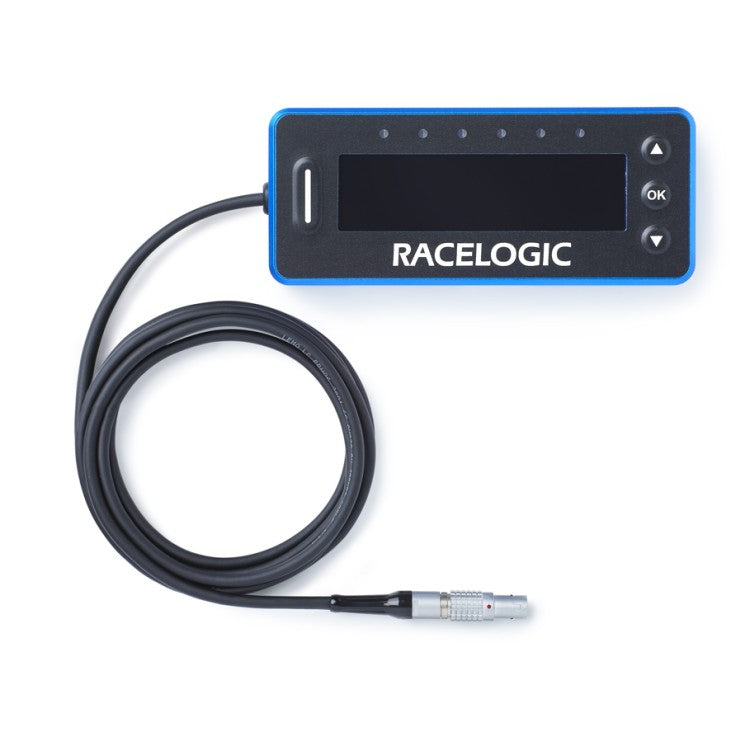
VBOX OLED Display

OLED Display

Full-size display for the HD2 or Video VBOX Pro. 3.5 m lead, six Delta-V LEDs.

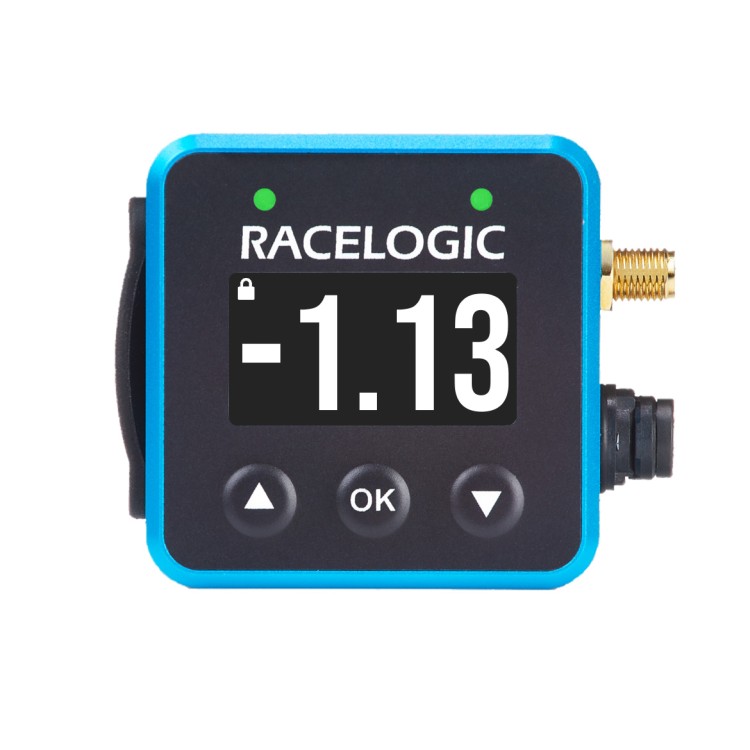
VBOX Mini OLED Display

Mini OLED Display

Same display, smaller housing, 3.6 m fixed lead, suction mount included.

VBOX Motorsport Lap Timer

Lap Timer (S / R)

25 Hz standalone GPS logger with predictive Delta-T display, side or rear connector.

VBOX Mini LapTimer

Mini LapTimer

10 Hz version in a 50 x 50 x 26.7 mm housing, for single-seaters and tight cockpits.

VBOX Motorsport Pit Lane Timer

Pit Lane Timer (S / R)

25 Hz pit lane speed and exit timing, with pit-to-exit Delta on the LED strip.

VBOX Mini Pit Lane Timer

Mini Pit Lane Timer

Same functionality as the full-size unit in a 50 x 50 x 27 mm housing.

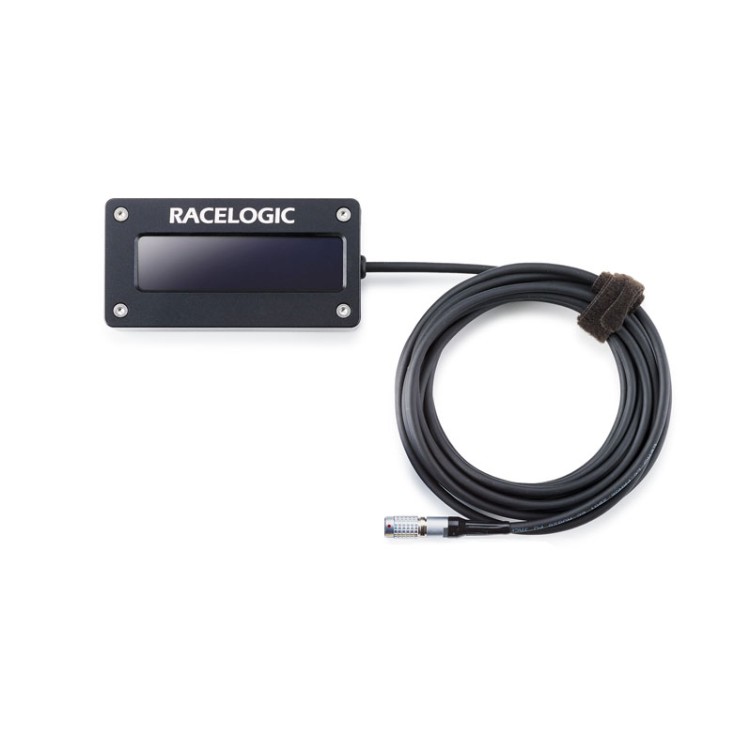
VBOX Secondary OLED Pit Display

Secondary OLED Pit Display

Mirrors the Pit Lane Timer's countdown on a second screen for the crew. Requires the full-size Pit Lane Timer, not compatible with the Mini.

Items marked "Ask Us" don't have a dedicated product page on our site yet. Reach out and we'll help you get one on order.

Display Modes: Lap Timer & OLED Display

Cycle through these with the up/down buttons on the front panel. Every mode is being calculated in the background at all times, even when it's not the one on screen.

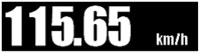
Live Speed display mode

Live Speed

Your current speed, updating in real time.

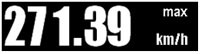
Maximum Speed display mode

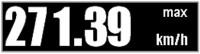
Maximum Speed

The highest speed reached so far this session.

Lap Count display mode

Lap Count

A running count of completed laps this session.

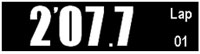
Lap Timing display mode

Lap Timing

Your current lap time, live, as you're setting it.

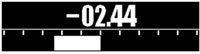
Predictive Lap Timing display mode

Predictive Lap Timing (Delta-T)

Live time difference against your fastest lap, calculated from GPS position, plus the Delta-V LED strip.

Lateral G display mode

Lateral G

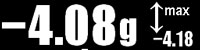
Cornering force, useful for spotting where you're carrying (or leaving) grip on the table.

Longitudinal G display mode

Longitudinal G

Acceleration and braking force, front to back.

LED Behavior

What the Delta-V LEDs Are Telling You

Above the screen on both the Lap Timer and OLED Display sits a strip of up to six LEDs. These aren't decoration, they're the Delta-V readout, showing your speed relative to your fastest lap at this exact point on track, updating continuously as you drive.

  • Faster than your best lap: the LEDs shift to indicate you're carrying more speed here than your reference lap did at this same spot.
  • Slower than your best lap: the LEDs shift the other way, flagging that you're down on pace right now, before you've even seen the lap time.
  • On pace: a neutral indication that you're matching your reference lap at this point, useful confirmation mid-corner when you don't have time to read a number.

This is what makes Delta-V genuinely useful mid-lap: you get a glanceable signal instead of a number you'd have to read and interpret while still on the brakes.

Display Modes: Pit Lane Timer

The Pit Lane Timer shows different information depending on where you are on track, switching automatically rather than requiring you to cycle through screens.

Stint Time display mode

On Track: Stint Time

Out on circuit, it shows your running time from pit stop to pit stop.

Pit lane live speed display mode

In Pit Lane: Live Speed

Once you cross the preset pit entry point, it switches to your live speed until you come to a stop.

Pit box countdown display mode

In Pit Box: Countdown

After you stop, it counts down to the exact moment you should leave to avoid a speeding or early-release penalty.

LED Behavior

Three Things the LED Strip Tells You

  • Pit speed monitoring: as soon as you cross pit entry, the LEDs indicate whether you need to speed up or slow down to stay under the limit.
  • Pit box countdown: once stopped, the LEDs count down how long you need to remain stationary.
  • Pit-to-exit Delta: the time difference between leaving the pit box and reaching pit exit, so you can see how this stop compared to your optimal exit.
Secondary Pit Display Compatibility

Which Pit Lane Timer Works with a Second Screen?

Only the full-size Pit Lane Timer (S or R) can drive a Secondary OLED Pit Display for the crew. The Mini Pit Lane Timer does not support it, there's no second-screen option for the compact unit, regardless of firmware.

UnitSecondary OLED Pit Display
Pit Lane Timer (S / R)Yes, firmware 1.1.22+
Mini Pit Lane TimerNot supported

See the Pit Lane Timer in Action

Screen Readability in Any Light

All three products let you adjust how the screen renders, so glare and low light don't cost you a glance at your data.

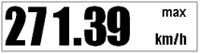
Normal font display

Normal

Standard white-on-black display, the default for most conditions.

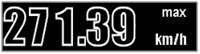
Inverted font display

Inverted

Flips to black-on-white, useful in bright, washed-out light.

Outline font display

Outline

A high-contrast outlined font, available on the full-size OLED Display and Lap Timer (not the Mini units), for maximum legibility in direct sun.

The Complete Spec Comparison

Every unit, side by side. Dashes mean the spec doesn't apply to that product, most often because a display-only unit has no GPS of its own to log or measure with.

  OLED Display Mini OLED Lap Timer S/R Mini LapTimer Pit Lane Timer S/R Mini Pit Lane Timer Secondary Pit Display
Standalone GPS loggerYesYesYesYes
Requires separate loggerHD2 / VVB ProHD2 / VVB Pro / HD LiteFull-size Pit Lane Timer only
Update rateMatches host loggerMatches host logger25 Hz10 Hz25 Hz10 HzMatches host Pit Lane Timer
Velocity accuracy0.1 km/h0.18 km/h0.1 km/h0.18 km/h
Position accuracy2 m (95% CEP)2.5 m (50% CEP)2 m (95% CEP)2.5 m (50% CEP)
IP ratingIP65IP65IP31IP65IP31IP65IP64
Operating temp-25 to +70°C-25 to +70°C0 to 60°C-20 to +70°C0 to 60°C-20 to +70°C-40 to +70°C
Power draw<1.5 W<1.5 W<2 W<1.5 W<2 W<1.5 W<2 W
Input voltage7–30 V DC6–30 V DC7–30 V DC7–30 V DC7–30 V DC7–30 V DC6–30 V DC
Dimensions120 x 50 x 19.5 mm50 x 50 x 19.45 mm120 x 50 x 22 mm (S)
120 x 50 x 15 mm (R)
50 x 50 x 26.7 mm120 x 50 x 22 mm (S)
120 x 50 x 15 mm (R)
50 x 50 x 27 mm120 x 50 x 19.5 mm
Weight204 g156 g171 g (S) / 156 g (R)103 g171 g (S) / 156 g (R)103 g204 g
Lead length3.5 m3.6 m3.5 m
Delta-V LEDs2–6YesUp to 6YesUp to 6Yes
Logs to SD cardVia host HD2Via host HD2YesYesYesYesVia host timer
Outline font optionYesYes
Price$740.00$740.00$1,160.00$1,180.00$1,160.00$1,180.00$740.00

Specs sourced from Racelogic's published datasheets. A dash means the manufacturer doesn't publish that spec for this product, not that the value is zero.

Which One Do You Actually Need?

📹

You already have an HD2

Add the OLED Display (or Mini OLED for tight spaces) to see your HD2's data live instead of only after the session. You'll also need a CAN Splitter Cable if you're logging external CAN data at the same time.

⏱️

You don't have a video logger, and lap time is the priority

The Lap Timer works entirely on its own. No HD2 required. Choose S for installation flexibility or R for a slightly slimmer, more permanent mount.

🛠️

You race in an endurance or pit-stop format

The Pit Lane Timer is solving a completely different problem: getting out of the box on time, every time, without a penalty. Add the Secondary OLED Pit Display if your crew needs to see the countdown too.

🏆

You want both lap time and pit discipline

Many teams run a Lap Timer and a Pit Lane Timer together. They don't overlap in function, and each one earns its keep in a different part of the session.

Why Buy Your VBOX Timing Gear from Creative Motorsport Solutions

We supply OLED Displays, Lap Timers, and Pit Lane Timers to IMSA and SRO teams every season, and we've fielded enough questions about the difference between them to know exactly where people get stuck. We stock inventory in the United States for fast delivery, and if you need something not listed here yet, like the Mini variants or the Secondary Pit Display, reach out and we'll get it sourced.

Frequently Asked Questions

What's the actual difference between Delta-T and Delta-V?

Delta-T is a time comparison: how far ahead or behind your reference lap you are right now, accumulated over the lap so far. Delta-V is a speed comparison: how your current speed compares to your fastest lap's speed at this exact same point on track. Delta-T tells you the story of the lap; Delta-V tells you what's happening this instant.

Do I need an HD2 to use the Lap Timer or Pit Lane Timer?

No. Both are standalone GPS data loggers with their own display built in. The OLED Display is the one that requires a separate logger, either an HD2 or Video VBOX Pro, since it has no GPS of its own.

Can I use a standard OLED Display as a pit crew display?

No. The Secondary OLED Pit Display is a different product built specifically to mirror the Pit Lane Timer's countdown, and it only works with the full-size Pit Lane Timer, not the Mini version. A standard OLED Display can't be substituted.

Why does position-based Delta-T matter more on longer tracks?

Distance-based systems compare laps using how far you've traveled, which drifts every time your line, traffic, or a locked wheel changes that distance slightly. On a short track that drift is small. On a long circuit like the Nurburgring or Spa, small errors compound over more corners, so a GPS position-based system holds its accuracy where a distance-based one starts to lose it.

Should I get the S, R, or Mini version?

S has a side connector and suits installation flexibility or moving the unit between cars. R has a rear connector and a slightly slimmer profile, better for a permanent install. Mini is the smallest footprint of the three, built for single-seaters and cars with very limited mounting space, running at 10 Hz instead of 25 Hz.

Ready to Add Live Feedback to Your Setup?

Talk to our team about which combination fits your program, or shop the full lineup now with fast US shipping and genuine Racelogic support.